Why AI tools produce this exact mess
Code generators optimise for the next working answer, not for the shape of the codebase. Asked to add a feature, they add it to the file they're already in — so files grow without limit. Asked for similar logic twice, they write it twice — so duplication spreads. Debugging sessions leave console.logs, abandoned approaches leave commented-out blocks, and nobody ever circles back, because circling back was never part of the prompt.
None of this is hypothetical: the typical vibe-coded repo has one file holding a third of the app, the same fetch-and-handle block pasted into four components, a march of stale TODOs, and tabs fighting spaces across the codebase. Each item is small. Together they're why the fifth week of a vibe-coded project feels so much slower than the first.
The order: structure first, polish last
Start with structure, because it makes every later step easier: a 1,500-line file split into modules is suddenly readable, diffable, and safe to edit. clean·vibes flags files past ~600 lines and treats 1,200+ as high severity, with the fix written the same way every time — split along the natural seams, one module per responsibility, re-export from an index so imports stay stable.
Then readability (flatten six-deep nesting with guard clauses, let a formatter kill the 200-character lines), then duplication (fold pasted blocks into one shared function), then dead code (delete commented-out blocks and debug logs — git already remembers them). Consistency and hygiene come last not because they don't matter but because they're fast: a formatter, an .editorconfig, a .gitignore, and a lockfile fix most of both categories in one sitting.
Let the tool that made the mess clean it
Every step above is mechanical, which makes it ideal agent work — if the instructions are precise. "Clean up my code" produces a sprawling, unreviewable rewrite. "Split src/App.tsx along its seams, one module per responsibility, behaviour unchanged, smallest possible diff" produces a fix you can actually review. The difference is specificity, and specificity is what a scan gives you.
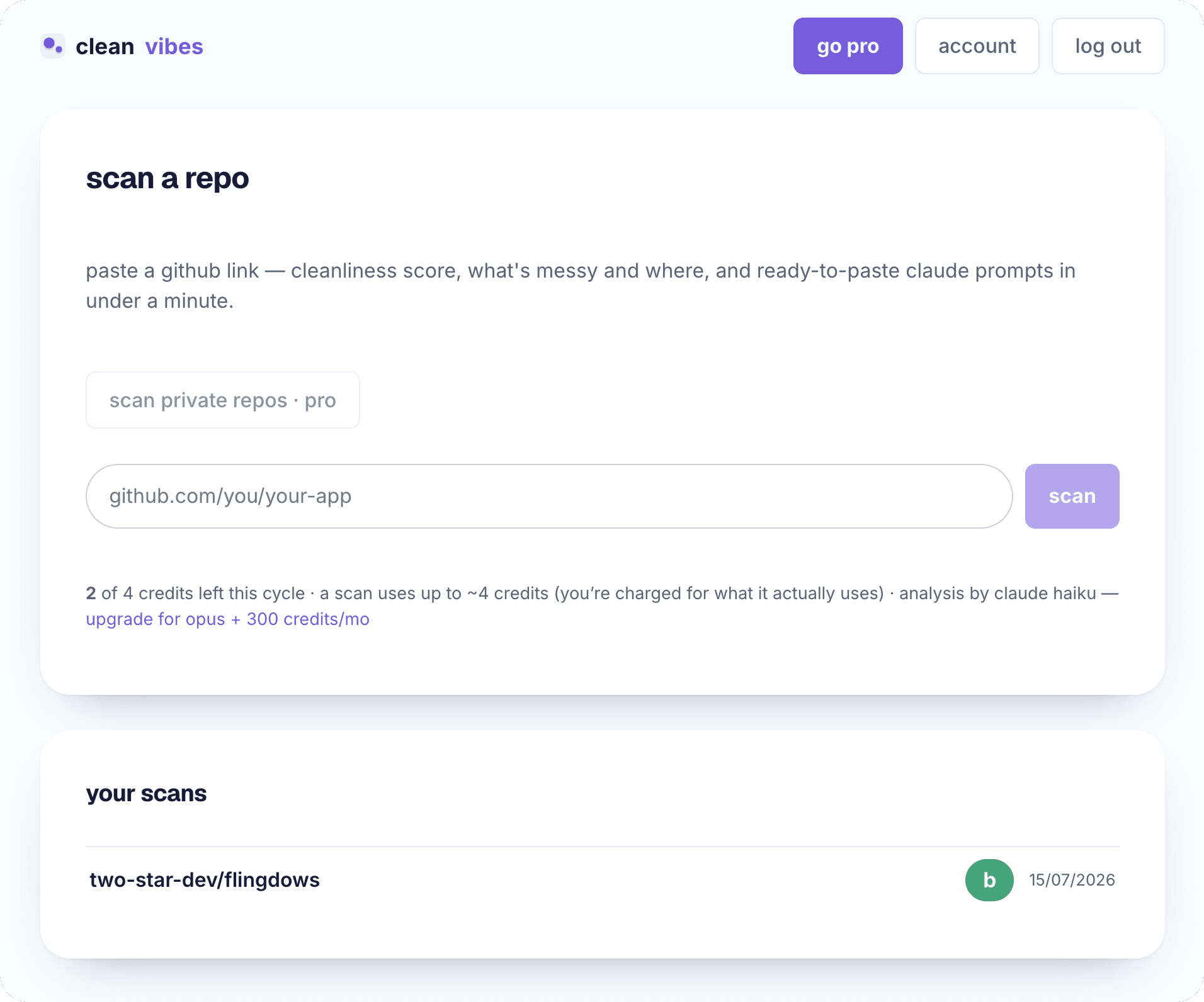
clean·vibes automates the finding and the phrasing: paste your repo link and every finding comes back with the file, the line, why it matters, how to fix it — and a ready-to-paste Claude prompt with behaviour-preserving constraints built in. There's also one tidy-everything plan covering the whole report in severity order. The honest caveat: this is a cleanliness pass, not a correctness pass — it won't catch a wrong calculation, just everything that makes the wrong calculation hard to find.
how it works
- 01
Scan first, so you have a map
Paste the repo into clean·vibes (or inventory it yourself): you want every issue with a file, a line, and a severity before you touch anything. Cleaning without a map means polishing one corner of a messy room.
- 02
Split the giant files
Anything past ~600 lines is holding several jobs; past 1,200 it's a liability. Split along natural seams — one module per responsibility — and re-export from an index so callers don't break.
- 03
Flatten the deep nesting
Replace six-deep conditionals with early returns and guard clauses, or extract the inner levels into named functions. The logic doesn't change; the reader's working memory does.
- 04
Fold the duplication
Find the blocks pasted across files and extract them into one shared function or module, imported from both. Every copy you remove is a future bug you only have to fix once.
- 05
Delete the dead code
Commented-out blocks, stale TODOs, console.logs from old debugging sessions — delete them. Git history keeps everything; your files don't have to.
- 06
Settle style with a formatter
Run prettier/black/gofmt, add an .editorconfig, pick one package manager and one lockfile. Style arguments end when a tool owns the decision.
- 07
Fix the hygiene, then re-scan
README, .gitignore, lockfile committed, build artifacts and junk files removed. Then scan again and watch the score move — clean·vibes shows the delta since last scan.
frequently asked
Is AI-generated code really messier than human code?
It's messy in a more predictable way. Humans produce idiosyncratic mess; AI tools produce the same six patterns everywhere, because they always take the most direct path to working code. Predictable mess is good news — it's exactly what a systematic scan can catch.
My app works — why spend time on this?
Because the cost is in front of you, not behind you. Mess doesn't break the app; it taxes every future change. If you plan to keep building on the codebase, the tidy-up pass pays for itself the first week you don't spend fighting a 2,000-line file.
Should I clean up before or after adding the next feature?
Before, if the mess is structural (giant files, duplication) — those make the next feature slower and riskier. After is fine for polish-level findings. clean·vibes's severity ranking is a fair guide to which is which.
What does it cost to scan my repo?
Every scan costs credits and includes a Claude review on top of the rules engine. Free gets 10 credits a month — about 5 scans on Claude Haiku — with the full report, every finding, and every prompt included. Pro is $29/mo (or $9/wk, $228/yr) for 300 credits a month, with scans on Claude Opus reading more than double the code context — or fable deep audits on Claude's top model tier, the most comprehensive pass, at 25 credits a scan.
Last updated June 10, 2026