What RLS is, and why the anon key makes it non-optional
Supabase is Postgres with an auto-generated API in front of it. To let your frontend talk to that API, Supabase gives you a publishable 'anon' key, and it really is meant to be public, embedded in your client code. What makes that safe is row-level security: Postgres policies that run on every query and decide which rows this particular user can see or change. With RLS on and a policy like 'a user can only read rows where user_id equals their own id', the public key can't over-read.
With RLS off, there are no such rules, so the API happily returns everything. Anyone can open your app's network tab, copy the anon key and the request shape, and query the table directly for every row it holds: names, emails, whatever's in there. That isn't an exotic attack. It's the default behaviour of a table with RLS disabled and a public key pointed at it.
Why AI builders leave it off
Because the app works without it, and 'works' is what the generator is optimising for. When RLS is off, every query succeeds immediately, with no policy to write, no 'permission denied' to debug, and a preview that looks complete. Enabling RLS is the opposite experience. The moment you turn it on, queries start returning nothing until you write policies, which looks like you broke the app. A tool racing to a working preview takes the path that doesn't break, and that path is RLS-off.
The same logic explains the half-safe middle case, which a scan still catches: RLS enabled but with a permissive policy (`using (true)`) that allows everything. It silences the 'RLS is disabled' warning without restricting anything, so it reads as secure at a glance and isn't.
Finding and fixing it across every table
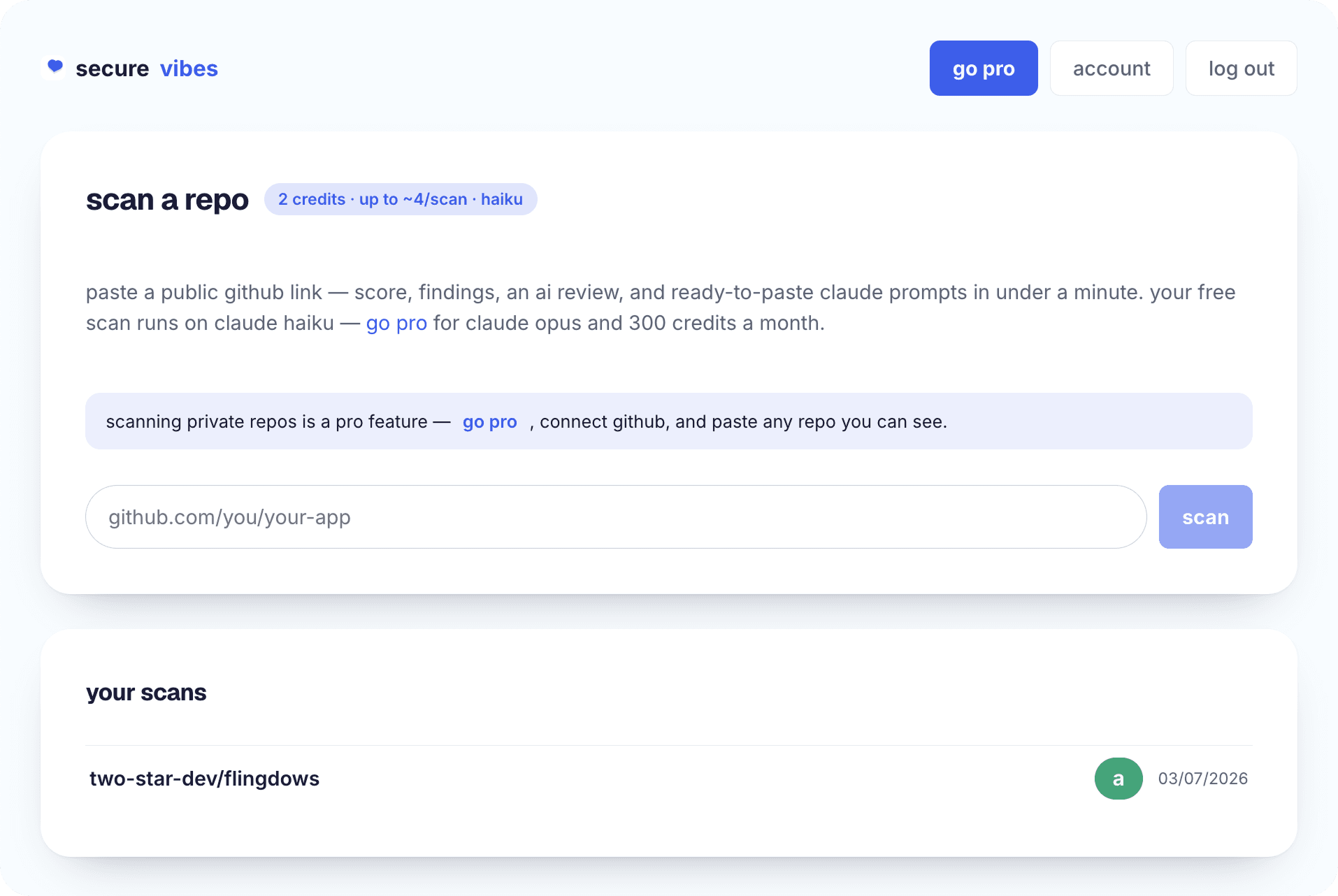
The check has to cover every table, because RLS is per-table and one unprotected table is enough to leak. The quickest sweep is a scan: paste the repo into quality·vibes and missing-RLS and permissive-policy issues surface as auth & access-control findings, each with the file, the table, and a fix prompt. To verify by hand, open the Supabase dashboard's Authentication → Policies view and confirm every table shows RLS enabled with at least one real, user-scoped policy. Not zero policies, and not a blanket `true`.
Fixing is enabling RLS on the table, then adding policies that constrain by the authenticated user (typically `auth.uid() = user_id`) for each operation you allow. Do it table by table, test that legitimate queries still work for a signed-in user, and confirm they return nothing for a different user. If the anon key was ever public with RLS off, treat the data as already readable and act accordingly. RLS stops future over-reads. It can't retract past ones.
how it works
- 01
List every table
RLS is per-table, so the check must cover all of them. One table left open leaks regardless of the others.
- 02
Scan or open the Policies view
Scan the repo with quality·vibes for auth & access-control findings, or open Supabase → Authentication → Policies to inspect each table.
- 03
Confirm RLS is enabled
A table with RLS disabled and a public anon key is world-readable. Enable RLS on every table that holds real data.
- 04
Reject permissive policies
RLS on with a `using (true)` policy allows everything, silencing the warning without restricting access. Replace it.
- 05
Write user-scoped policies
Constrain by the authenticated user (e.g. auth.uid() = user_id) for each operation you permit: select, insert, update, delete.
- 06
Test both directions
Confirm a signed-in user still sees their own rows and gets nothing for another user's. Re-scan to verify the finding cleared.
frequently asked
Is the Supabase anon key supposed to be public?
Yes. The anon (publishable) key is designed to live in your frontend, and it's only safe because row-level security gates what it can reach. The key being public isn't the problem. RLS being off, so the public key reads everything, is the problem.
My RLS is enabled but the scan still flags it. Why?
Almost always a permissive policy: RLS is on, but a `using (true)` rule allows every row through. It clears Supabase's 'RLS disabled' warning without actually restricting access. Replace it with a policy scoped to the authenticated user.
I turned on RLS and my app broke. Now what?
That's expected: with RLS on and no policies, queries return nothing, which looks like breakage. Add user-scoped policies for each operation you allow (commonly auth.uid() = user_id) and legitimate queries start working again, correctly restricted this time.
How do I check every table at once?
A quality·vibes scan reads the whole repo and reports missing-RLS and permissive-policy issues per table with file and line, so you don't have to click through each table by hand. It's the fastest way to be sure none were missed.
Last updated July 16, 2026