Why AI tools produce this exact mess
Code generators optimise for the next working answer, not for the shape of the codebase. Asked to add a feature, they add it to the file they're already in, so files grow without limit. Asked for similar logic twice, they write it twice, so duplication spreads. Debugging sessions leave console.logs, abandoned approaches leave commented-out blocks, and nobody ever circles back, because circling back was never part of the prompt.
None of this is hypothetical: the typical vibe-coded repo has one file holding a third of the app, the same fetch-and-handle block pasted into four components, a march of stale TODOs, and tabs fighting spaces across the codebase. Each item is small. Together they're why the fifth week of a vibe-coded project feels so much slower than the first.
The order: structure first, polish last
Start with structure, because it makes every later step easier: a 1,500-line file split into modules is suddenly readable, diffable, and safe to edit. quality·vibes flags files past ~600 lines and treats 1,200+ as high severity, with the fix written the same way every time. Split along the natural seams, one module per responsibility, re-export from an index so imports stay stable.
Then readability (flatten six-deep nesting with guard clauses, let a formatter kill the 200-character lines), then duplication (fold pasted blocks into one shared function), then dead code (delete commented-out blocks and debug logs, since git already remembers them). Consistency and hygiene come last not because they don't matter but because they're fast: a formatter, an .editorconfig, a .gitignore, and a lockfile fix most of both categories in one sitting.
Let the tool that made the mess clean it
Every step above is mechanical, which makes it ideal agent work, provided the instructions are precise. "Clean up my code" produces a sprawling, unreviewable rewrite. "Split src/App.tsx along its seams, one module per responsibility, behaviour unchanged, smallest possible diff" produces a fix you can actually review. The difference is specificity, and specificity is what a scan gives you.
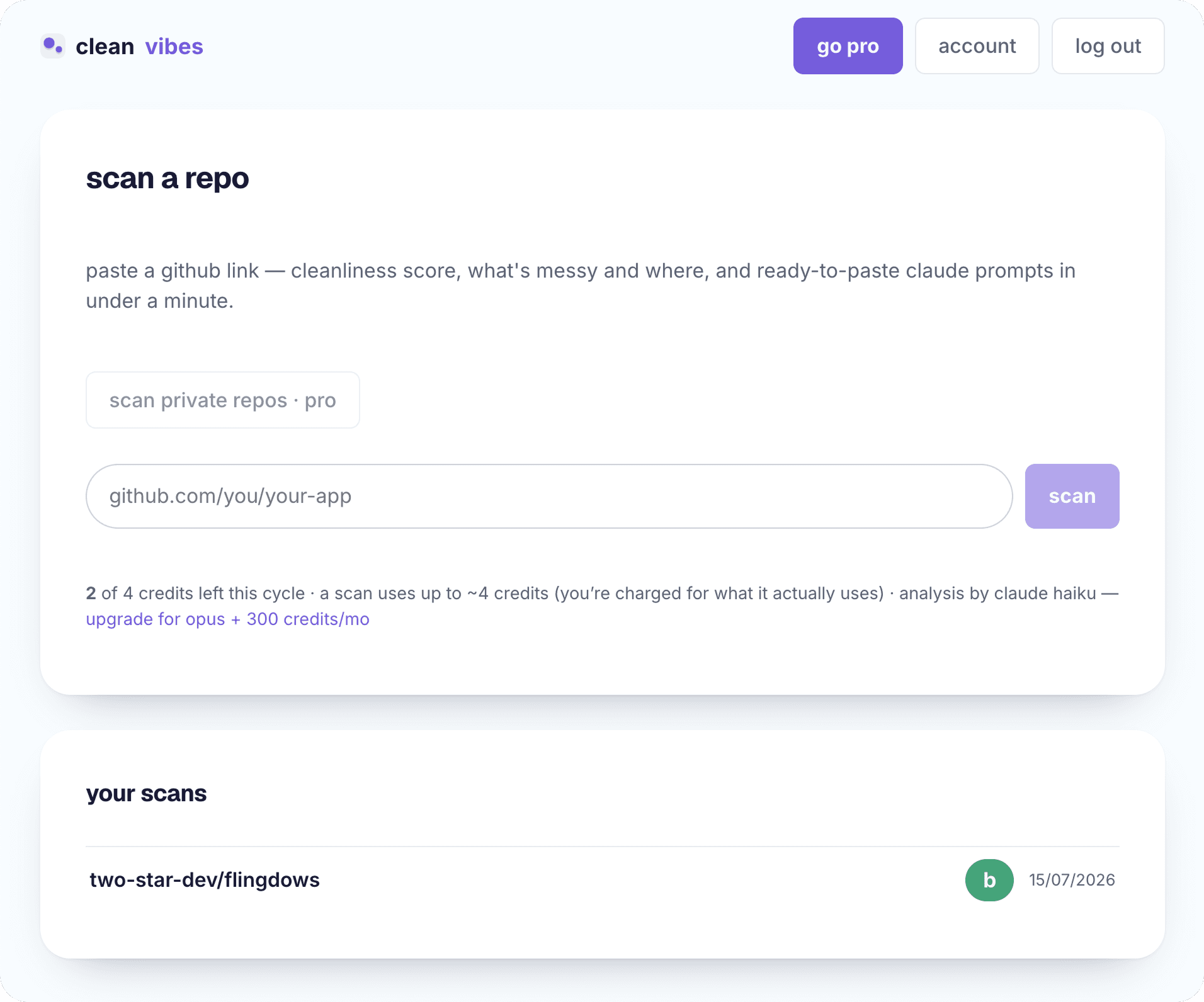
quality·vibes automates the finding and the phrasing: paste your repo link and every finding comes back with the file, the line, why it matters, how to fix it, plus a ready-to-paste Claude prompt with behaviour-preserving constraints built in. There's also one tidy-everything plan covering the whole report in severity order. One caveat: this is a cleanliness pass, not a correctness pass. It won't catch a wrong calculation, just everything that makes the wrong calculation hard to find.
how it works
- 01
Scan first, so you have a map
Paste the repo into quality·vibes (or inventory it yourself): you want every issue with a file, a line, and a severity before you touch anything. Cleaning without a map means polishing one corner of a messy room.
- 02
Split the giant files
Anything past ~600 lines is holding several jobs; past 1,200 it's a liability. Split along natural seams, one module per responsibility, and re-export from an index so callers don't break.
- 03
Flatten the deep nesting
Replace six-deep conditionals with early returns and guard clauses, or extract the inner levels into named functions. The logic doesn't change; the reader's working memory does.
- 04
Fold the duplication
Find the blocks pasted across files and extract them into one shared function or module, imported from both. Every copy you remove is a future bug you only have to fix once.
- 05
Delete the dead code
Commented-out blocks, stale TODOs, console.logs from old debugging sessions. Delete them all. Git history keeps everything; your files don't have to.
- 06
Settle style with a formatter
Run prettier/black/gofmt, add an .editorconfig, pick one package manager and one lockfile. Style arguments end when a tool owns the decision.
- 07
Fix the hygiene, then re-scan
README, .gitignore, lockfile committed, build artifacts and junk files removed. Then scan again and watch the score move. quality·vibes shows the delta since last scan.
frequently asked
Is AI-generated code really messier than human code?
It's messy in a more predictable way. Humans produce idiosyncratic mess; AI tools produce the same six patterns everywhere, because they always take the most direct path to working code. Predictable mess is good news, because a systematic scan can catch it.
My app works, so why spend time on this?
Because the cost is in front of you, not behind you. Mess doesn't break the app; it taxes every future change. If you plan to keep building on the codebase, the tidy-up pass pays for itself the first week you don't spend fighting a 2,000-line file.
Should I clean up before or after adding the next feature?
Before, if the mess is structural (giant files, duplication), because those make the next feature slower and riskier. After is fine for polish-level findings. quality·vibes's severity ranking is a fair guide to which is which.
What does it cost to scan my repo?
Free gets two scans on Claude Haiku, no card, with the full report, every finding, and every prompt included. After that a scan is $5, in packs of 1, 3 or 10, with Claude Opus 5 reading the whole repo rather than a sample of it, or Claude Fable 5, the strongest model Anthropic ships. No subscription, and a pack you buy today still works in six months.
Last updated June 10, 2026