The manual pass: what to actually look at
Start with secrets, because they're the most damaging: search the repo for provider key prefixes (AWS, Stripe, OpenAI, Anthropic, GitHub, Google, Slack), the words password and secret near assignments, BEGIN PRIVATE KEY blocks, and connection-string schemes like postgres:// with credentials embedded. Check committed files too: .env, anything ending in .pem or .key, service-account JSON, database dumps, .npmrc.
Then read for code patterns: SQL queries assembled with f-strings, .format(), concatenation, or template literals; eval and exec; shell commands built from variables; subprocess with shell=True; pickle; yaml.load without SafeLoader; innerHTML and dangerouslySetInnerHTML. Finish with configuration: debug mode, CORS set to *, default JWT secrets, missing lockfiles, dependencies pinned to "latest", and TLS verification flags set to false.
Why manual checks come up short
Manual checking is perfectly possible. The trouble is that it's a long list of patterns across two-plus language ecosystems, and missing one is as bad as missing all of them. A grep for "sk_live" won't catch a hardcoded password. Reading the .gitignore won't catch the f-string SQL. Doing it properly takes an hour and a checklist. Doing it casually gives you false confidence.
Manual review also can't tell you how bad the overall picture is. Twelve findings in one repo and three in another says nothing about which is riskier until you weigh severity and category, and that's a judgment most builders haven't had a chance to calibrate.
Where a scanner fits
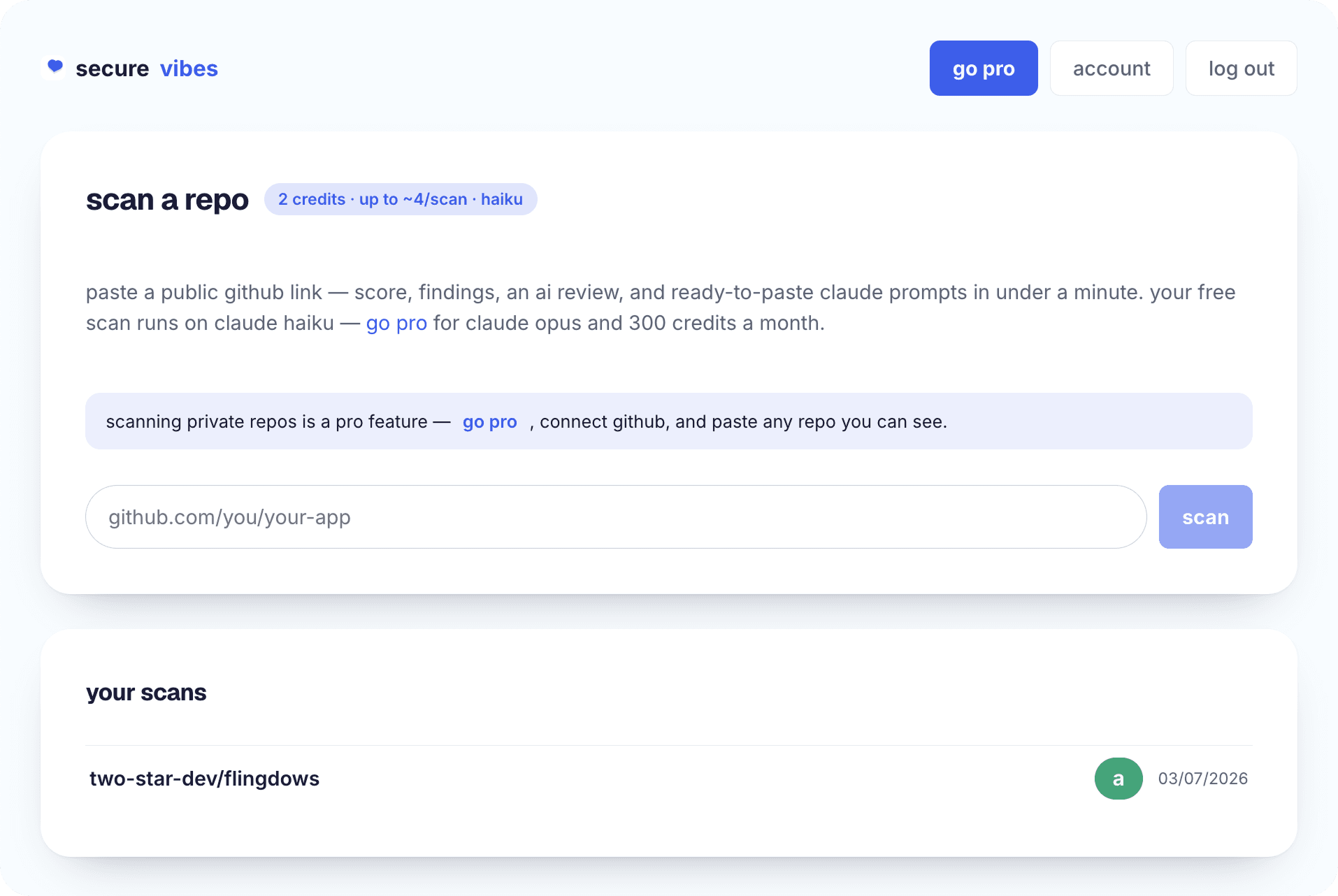
quality·vibes runs the whole pattern list at once. Paste the public GitHub repo link and it fetches the same archive anyone can download, no OAuth and nothing cloned to disk, then scans it in memory. You get a score out of 100 with a letter grade, six category subscores, and a ranked findings list where each item has the file, the line, redacted evidence, why it matters, and how to fix it.
Two limits. It works on public repos only in v1, with private repo support coming. And it's a heuristic static scan: no code execution, no vulnerability database behind the dependency checks, so it sits alongside deeper tooling rather than replacing it. For the is-this-repo-safe-to-ship question, it answers in under a minute what the manual route answers in an afternoon.
how it works
- 01
Search for secrets
Grep for provider key patterns, password/secret assignments, private key blocks, JWTs, and connection strings with embedded credentials.
- 02
Check committed files
Look for .env files, .pem/.key files, cloud service-account JSON, database files and dumps, and .npmrc tokens. Then check whether .gitignore would have stopped them.
- 03
Read the risky code patterns
String-built SQL, eval/exec, shell commands from variables, subprocess shell=True, pickle, unsafe yaml.load, innerHTML/dangerouslySetInnerHTML.
- 04
Review config and dependencies
Debug flags, wildcard CORS, default signing secrets, missing lockfiles, "latest" versions, raw git/http dependencies, disabled TLS verification.
- 05
Or paste the link into quality·vibes
All of the above, scanned in memory in under a minute, scored out of 100, with ranked line-level findings and a paste-ready Claude fix prompt per issue.
frequently asked
Can I check someone else's repo, or only my own?
Any public repo. quality·vibes fetches the same public archive anyone can download, so checking a template before you fork it or a project before you depend on it works exactly like checking your own.
Does quality·vibes need access to my GitHub account?
Not for public repos. You paste a link and it scans the public archive in memory, nothing cloned to disk. Private repos need the quality·vibes GitHub App installed, and you tick which repositories it can reach. On those it reads the code and nothing else, so it can't commit, open a pull request, or file an issue. Reports are private to your account either way.
Will secrets it finds be shown in the report?
Findings include redacted evidence: enough to identify the secret and its location, never the full credential. Secrets are always redacted in reports.
What about private repos?
v1 is public repos only; private repo support is coming. If your repo is private, the manual steps on this page still apply in full.
Last updated June 10, 2026